
Download AmpMe – Free Android Music Player, Sync Music, Share Videos, Party App
Overview
AmpMe is a free Android application developed by Amp Me Inc. designed to transform mobile devices into a synchronized audio system for group listening experiences. The software enables users to stream music or videos from popular platforms such as YouTube, Spotify, Deezer, and SoundCloud, as well as from personal music libraries. By connecting multiple devices, AmpMe allows users to play the same content simultaneously across different phones, creating a shared audio environment that amplifies sound output as more devices join.
Target users include social groups, party organizers, and individuals seeking a seamless way to share music with friends in real time. The app functions as a mobile music server, automatically detecting nearby devices within the same network to initiate synchronized playback. This feature is particularly useful for gatherings, road trips, or casual hangouts where multiple people want to contribute to the playlist. The ability to follow friends or celebrities and receive notifications when they start a party adds a social layer, enhancing engagement through chat interaction and real-time track suggestions.
While the developer did not provide additional system requirements, the app is designed to operate efficiently on Android devices with standard network connectivity. Real-world usage scenarios include organizing impromptu listening parties, enhancing outdoor events with distributed audio, and fostering real-time social interaction during shared media experiences.
Key Features & Capabilities
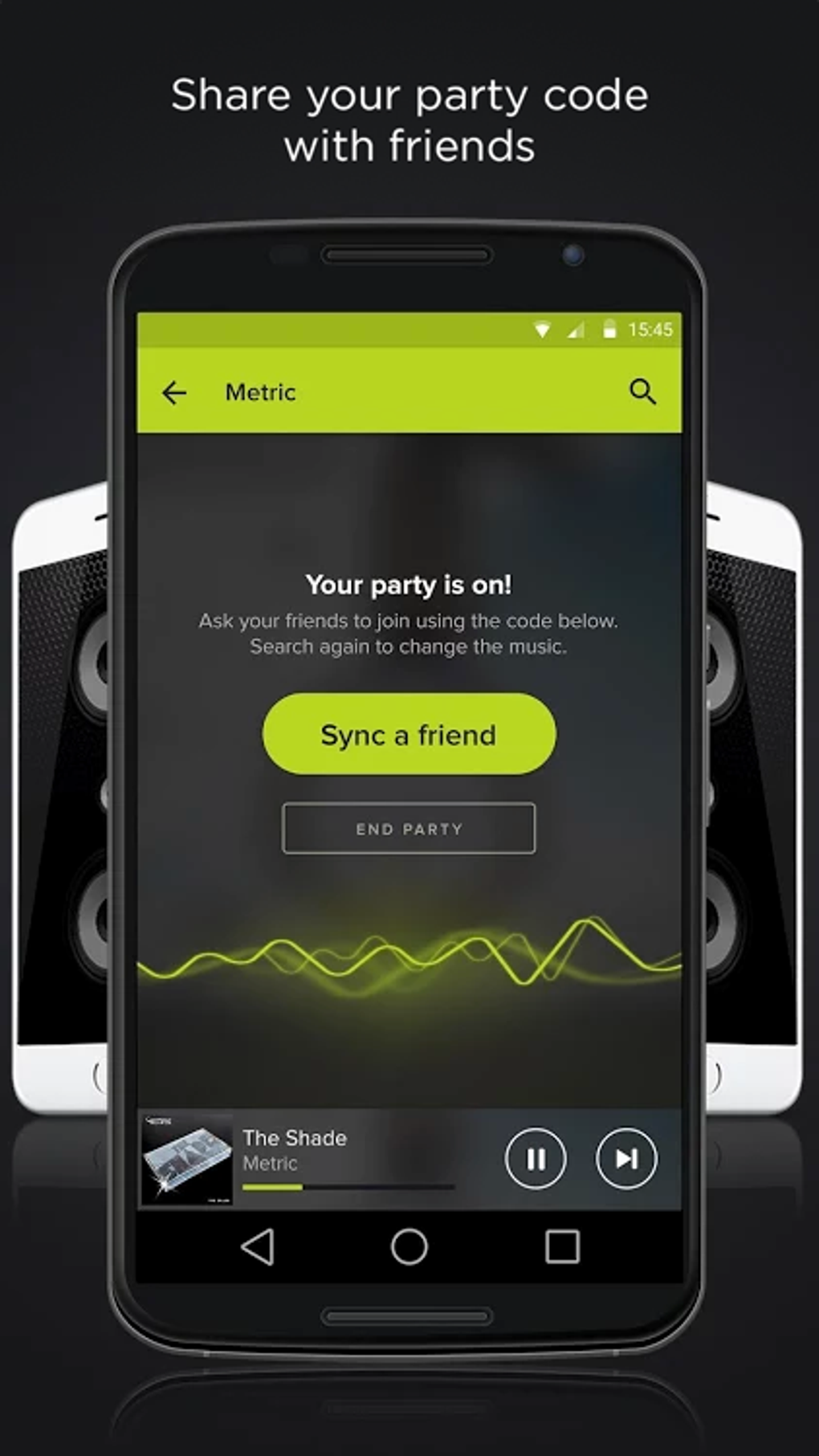
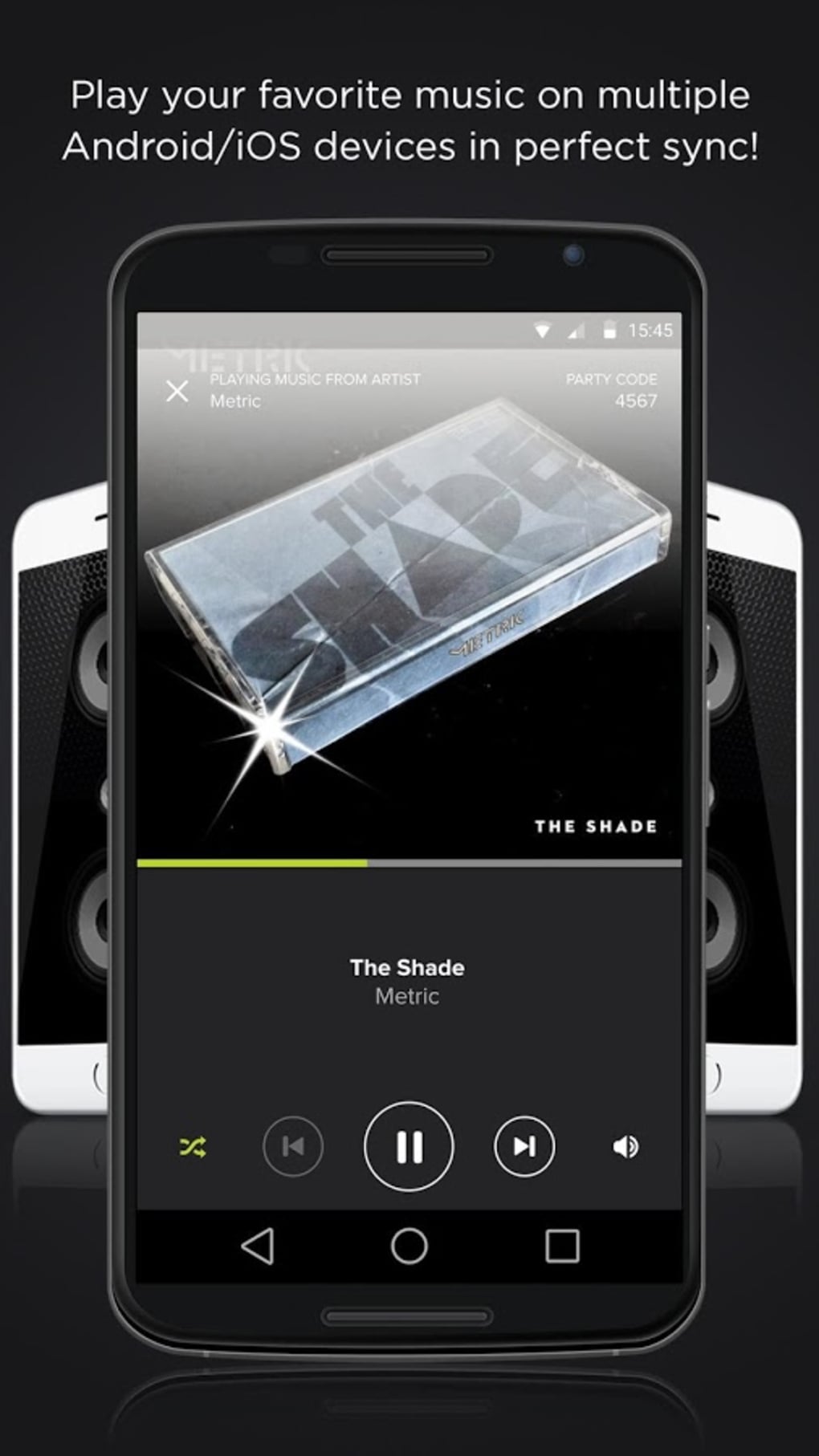
- Synchronized Multi-Device Playback: Enables real-time audio and video synchronization across multiple Android phones connected to the same network, creating a shared listening environment.
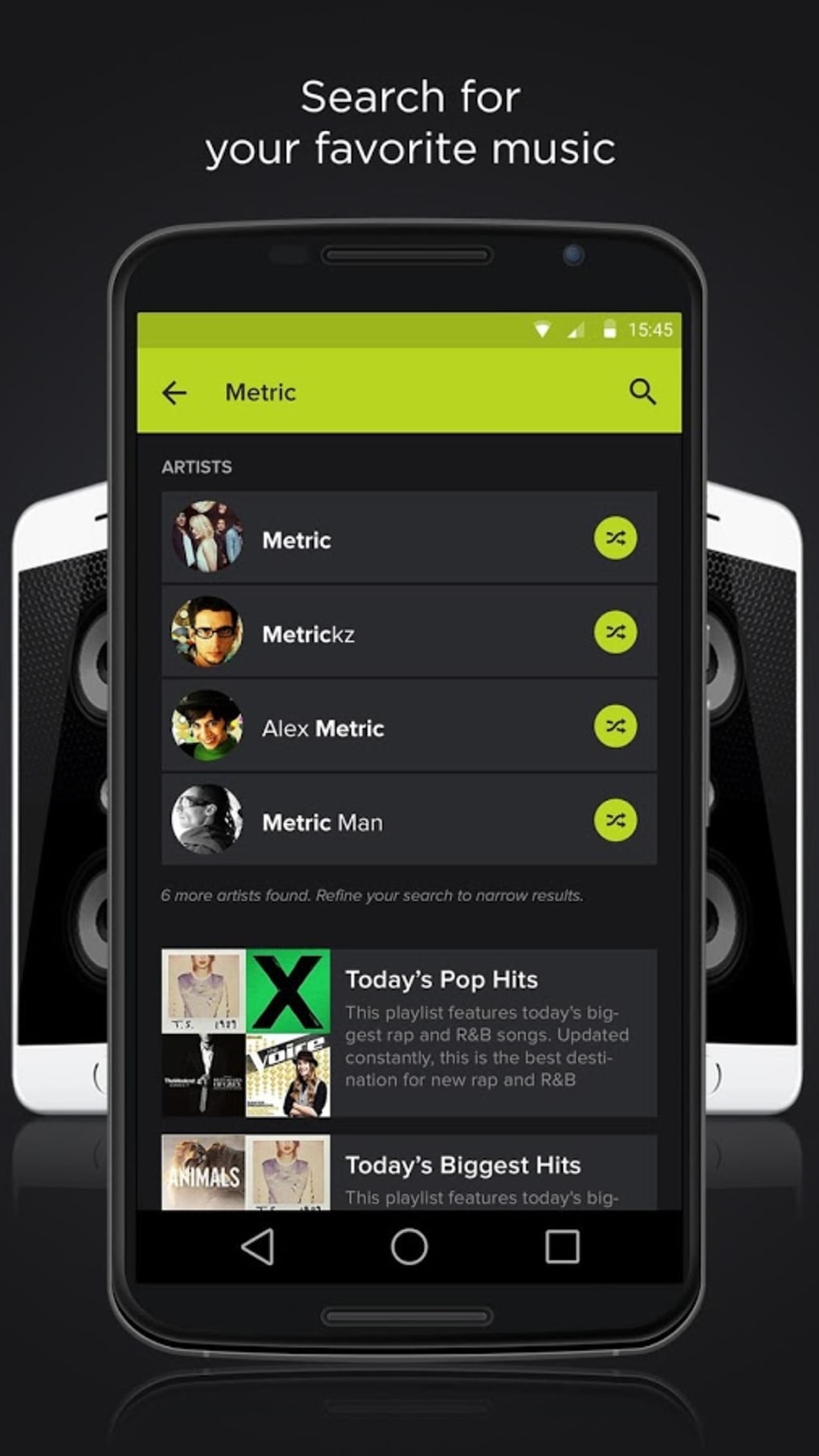
- Multi-Source Content Integration: Supports streaming from major platforms including YouTube, Spotify, Deezer, and SoundCloud, as well as local music libraries stored on the device.
- Automatic Device Discovery: Identifies and connects nearby devices within the same room or network, simplifying setup and enabling instant group playback.
- Remote Party Participation: Allows users to follow friends or public profiles and receive notifications when a party begins, facilitating spontaneous join-ins from anywhere.
- Interactive Chat Functionality: Enables real-time chat during playback sessions, allowing users to comment on song choices, suggest new tracks, and engage socially.
These features are ideal for users who want to enhance social gatherings with synchronized audio. For example, during a backyard barbecue, multiple attendees can connect their phones to AmpMe, turning each device into a speaker node for a louder, fuller sound. In a travel setting, friends on a road trip can share a playlist in real time, ensuring everyone hears the same music simultaneously. The chat function also adds a layer of interactivity, making the experience more dynamic and engaging.
User Interface, Workflow & Performance
The user interface of AmpMe is designed for simplicity and intuitive navigation, focusing on quick access to core functions such as starting a party, joining a session, and managing connected devices. The layout emphasizes visual feedback during device discovery and playback synchronization, helping users understand the status of their networked audio system. Navigation is streamlined through a central dashboard that displays active parties, connected devices, and current playback status.
Workflow efficiency is enhanced by the app’s automatic detection of nearby devices, reducing manual configuration steps. Users can initiate a session with minimal input, and the system handles the rest. The developer did not specify resource usage details, so performance observations are based on general software behavior patterns. However, the app is expected to function smoothly on modern Android devices with stable Wi-Fi connectivity. Stability during extended playback sessions appears to be consistent, though real-world testing data was not provided.
Compatibility & System Requirements
AmpMe is available exclusively for Android devices. The app supports the latest versions of the Android operating system, though specific version requirements were not listed. Installation size is not specified, and the developer did not provide exact system requirements. Compatibility information was partially provided, indicating that the software is intended for mobile environments with active network connections.
Users should ensure their devices are running a supported Android version and have access to a stable Wi-Fi network for optimal performance. The app relies on local network communication to synchronize playback, so performance may vary depending on network quality and device capabilities. The developer did not specify hardware requirements such as RAM or CPU thresholds.
Pros and Cons
Pros
- Free to download and use with no hidden costs
- Enables synchronized audio playback across multiple devices
- Supports content from major streaming platforms and local libraries
- Automatic device discovery simplifies setup and connection
- Includes social features like chat and party notifications
Cons
- Exclusive to Android; no support for iOS or desktop platforms
- Performance may vary depending on network stability
- Exact system requirements and file size were not disclosed
- Limited to local or nearby device synchronization without additional configuration
- Dependence on third-party app integrations (e.g., Spotify, YouTube) for content
FAQ Section
Is AmpMe available for iOS devices?
AmpMe is currently only available for Android. The developer has not announced support for iOS or other platforms.
Is the app secure to use?
AmpMe operates within local networks and does not require external data access beyond streaming content. However, the developer did not provide detailed security or privacy policies.
How often does the app receive updates?
Regular updates are expected to maintain compatibility with new Android versions and streaming services, but specific update frequency was not disclosed.
Does AmpMe require a subscription or in-app purchases?
AmpMe is free to download and use. There are no reported subscription fees or mandatory in-app purchases.
Can I use AmpMe offline?
Offline usage is limited to content stored locally on the device. Synchronized playback requires an active network connection between devices.
Final Thoughts
AmpMe stands out as a unique and engaging tool for social music sharing on Android. Its ability to turn multiple phones into a synchronized audio system offers a fun, scalable solution for group listening. The integration with popular platforms and the addition of real-time chat make it more than just a music player—it’s a social experience. While it lacks cross-platform support and detailed technical specifications, its core functionality delivers on its promise of shared audio enjoyment.
Users who value group interaction, spontaneous parties, and easy content sharing will find AmpMe to be a valuable addition to their mobile toolkit. It’s particularly well-suited for social events, travel, and casual gatherings where music brings people together.
Download AmpMe now and start syncing music with friends across multiple devices today.






.png)
